

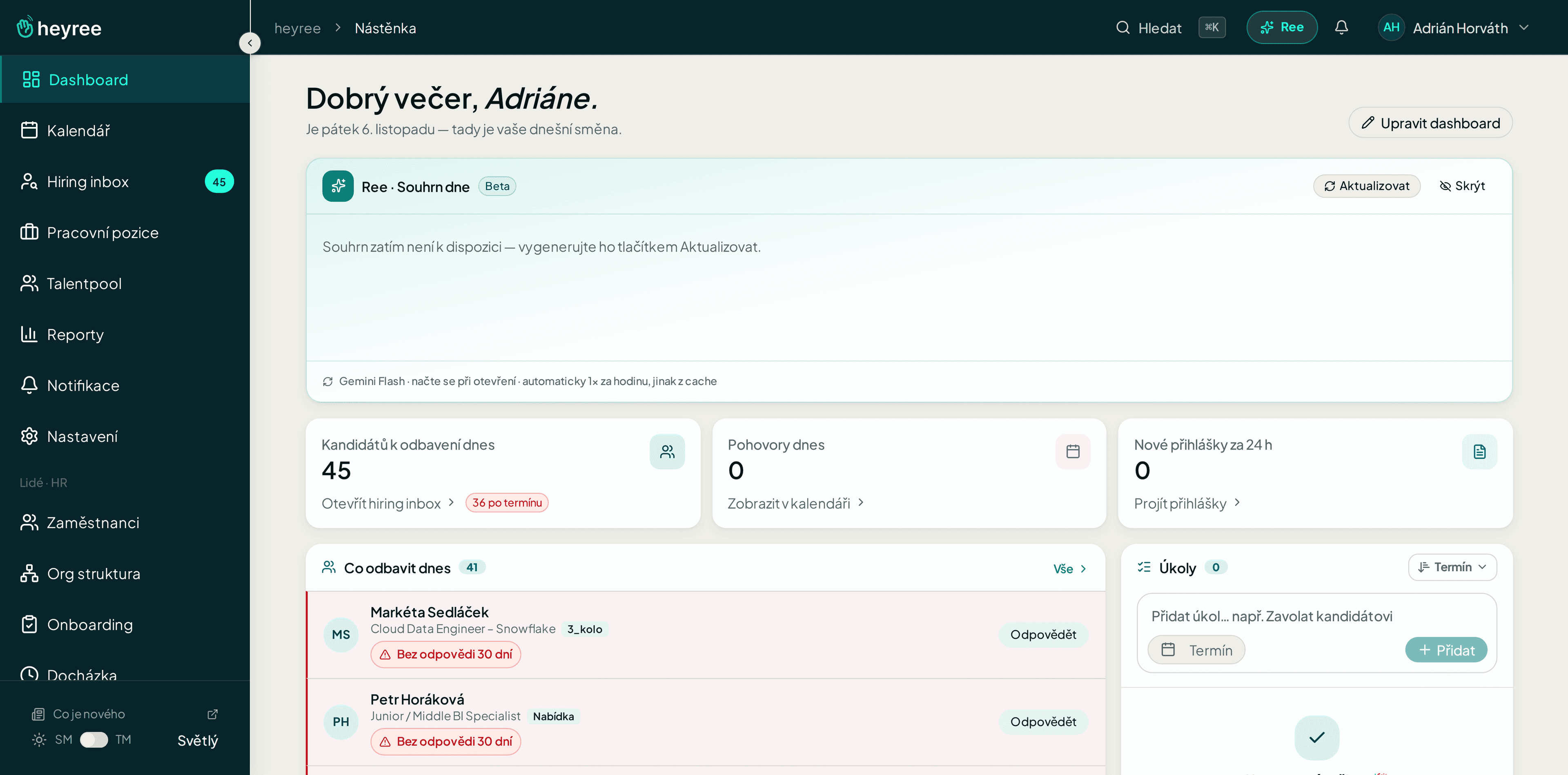
heyree watches the deadlines.Not your problem.
You set what should happen when a candidate moves and how long the team has to respond. Heyree sends an email, creates a task and reminds you when the deadline approaches.
With heyreeheyree watches rules and deadlines.
Today without heyreeYou track deadlines in your head and on post-its on your monitor.
0missed deadlines
Routine you no longer have to do by hand
You set rules like “when a candidate moves to the first round, send an invite and a task to the manager” and heyree carries them out on its own.
You also set deadlines for the team: when to reply to the candidate and when to give feedback. When a deadline approaches, heyree sends a reminder.
- TriggersEmail, task or reminder when stage changes.
- Team SLAWhen to reply to candidate, when to give feedback.
- Reminders on timeWhen the deadline approaches, you and your colleague know.
What it looks like on a normal day.
- You choose a triggerE.g. move to first round.
- You set an actionInvitation, task or message to manager.
- You set SLAHeyree makes sure it's followed.
FAQ
- Do I set it myself?
- Yes, in Settings → Automation + SLA.
Try it on yourown recruitment.
Test it for free in live use. No card, no commitment, migration included.